If your website gets traffic but not enough leads, the issue may not be the traffic.
It may be response time.
Most visitors land on a website with immediate questions — how much does this cost, are you available this week, can I book now, do you serve my area. If they don't get an answer quickly, they leave. A lead capture assistant fixes that by turning your website into a 24/7 conversation and booking tool.
The best part? You can install one in about five minutes with zero technical experience. Industry setup guides from platforms like HighLevel, WPChat, and Hona all emphasize that modern website chat assistants require little to no coding knowledge and can often be installed with a simple script or plugin.
Why every website should have one
Modern users expect immediate responses. A static contact form creates friction — the visitor fills it out and waits hours (or days) for a reply. By then, they've already called a competitor.
A lead capture assistant solves this by instantly engaging visitors with a conversational opener like:
This dramatically improves conversions by reducing drop-off and capturing contact details in real time — even at 2am when nobody's in the office.
The 5-step setup
1 Choose the easiest install method
The fastest setup depends on your website platform. Pick the method that matches yours:
- WPChat
- Tidio
- Crisp
- LiveChat
- App marketplace
- Custom embed
- Footer script
- JavaScript snippet
- Paste in footer
- Or <head> tag
For custom HTML sites, it's typically just one line of code pasted before your closing </body> tag:
HighLevel and Market Leader both use this simple JavaScript embed approach — making setup accessible even for non-technical business owners.
2 Create the welcome message
This is the first thing every visitor sees. Keep it simple, friendly, and action-oriented. Avoid vague openers like "How can I help?" and instead lead with specific options:
Specific options reduce decision friction and guide visitors to the right path immediately — rather than leaving them to type a free-form message.
3 Capture the lead information
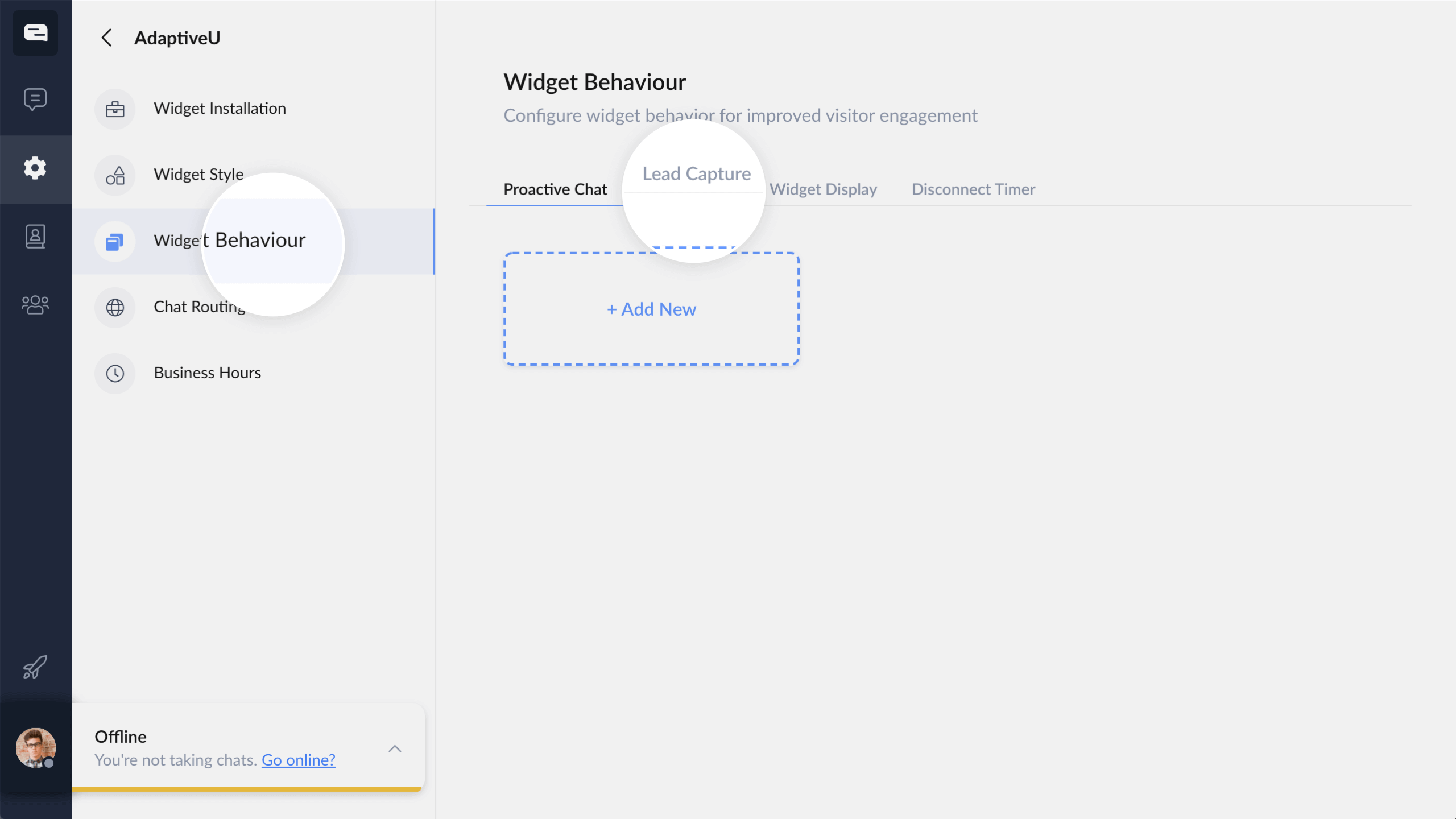
This is the most important step. Ask for only the essentials — lead capture guides consistently recommend minimal required fields to maximize completion rates:
- First name
- Phone number
- Email address
- Service needed
Keep the experience conversational rather than form-like. For example:
This feels like a natural conversation rather than filling out a form — and converts significantly better as a result.
4 Connect to your CRM or notifications
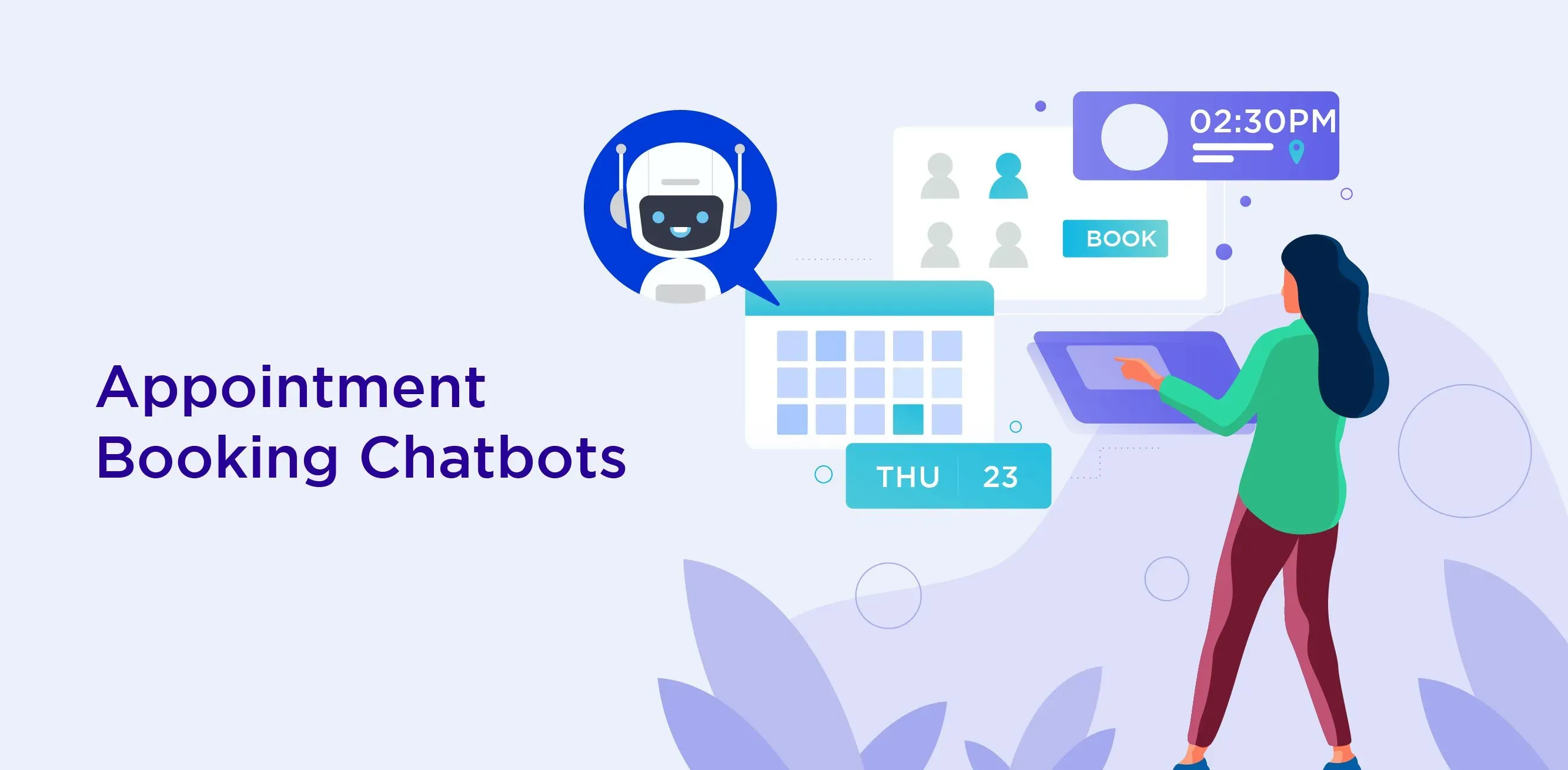
Once the lead submits, route it immediately so it never sits unnoticed. Common routing options include:
- Email notification to your inbox
- SMS alert to your phone
- CRM contact creation (HubSpot, GoHighLevel)
- Google Sheets log
- Booking calendar integration
HighLevel specifically recommends workflow triggers for immediate follow-up. A complete lead flow looks like this:
This ensures every lead is acted on — whether it comes in at noon or midnight.
5 Test before going live
Always test your assistant before enabling it for real visitors. Hona and ChatSupport both explicitly recommend a full test run across multiple environments:
Run at least one full conversation from start to finish before flipping it live for real visitors.
What this does for your business
A properly installed lead assistant makes an immediate and measurable difference. Recent setup guides cite materially higher conversion performance for websites with chat features compared to static-only contact forms.
If your website currently relies only on a contact form, you are likely losing leads every day. A lead capture assistant can be live in 5 minutes or less and start converting visitors immediately.
Sources
- ChatSupport — Testing recommendations before enabling live chat widgets; setup best practices
- Market Leader — JavaScript embed methods for chat assistants on custom and CMS websites
- SupportGPT — Lead capture field optimization and conversational flow best practices
- ClosingDealz — CRM workflow triggers and lead routing automation strategies
Want us to set it up for you?
Double O Digital builds and installs custom lead capture AI assistants for local businesses — fully configured, tested, and live in 48 hours. No technical work on your end.